SEND A DIGITAL CASE
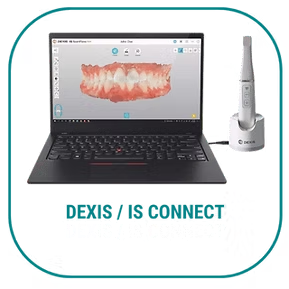
DEXIS / IS CONNECT
1- Login to DEXIS IS Connect as a Dentist. 2- In the toolbar, click Partners 3- In the Partners window, click Invite a partner. 4- In the Email field, enter: info@primedentallab.com 5- In the Message box, either leave the default text or write your own message. 6- Click Send. The invitation message is sent to Prime Dental Lab and a Partner entry is created in the list of Partners
TRIOS / 3SHAPE
1. Login to your 3Shape account 2. Click on “Add Connections” 3. Type in the email address: info@primedentallab.com 4. Prime dental Lab will come up. Click “Connect”
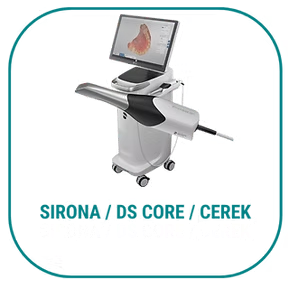
SIRONA / DS CORE / CEREK
1. Click on “Add” from your IOS software 2. This will take you to the website, sirona-connect.com 3. Under “My Account,” click on “My Favorite Laboratories” 4. Click “Search Labs” and scroll down 5. Click on “United States” 6. Enter the zip code: “33326” 7. Click “Start Search” 8. Find Prime dental Lab and click the plus sign in the far right column under “Add” 9. Once it loads, you can exit and Prime Dental Lab should be added
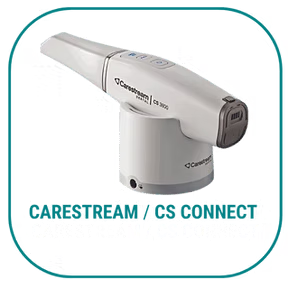
CARESTREAM / CS CONNECT
1. Login into your CS Connect 2. In the toolbar, click the “People” icon 3. In the Partners window, click “Invite a Partner” 4. In the email field, enter the email address for Prime dental lab: info@primedentallab.com 5. In the message box, either leave the default text or write in your own message 6. Click “Send” – the invitation is sent to the lab and a Partner entry is created in the list of Partners 7. When the lab logs into CS Connect, we will be able to accept the invitation at that time
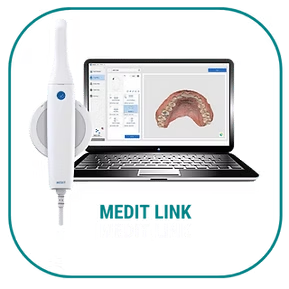
MEDIT LINK
1. Sign in through your Medit Link account 2. Click on “Partners” in the left hand column 3. Click on “Search for Partners” at the top 4. Click in the search bar and type in the email address: info@primedentallab.com 5. Click on us to add as a partner
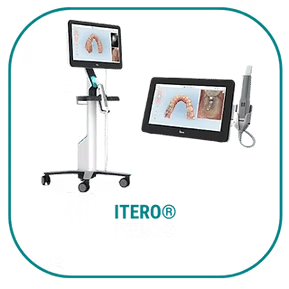
ITERO®
1. Login to your Doctor’s portal 2. Call iTero support directly at 1-800-577-8767 to set up our account in their system give them the ID number to connect: 422160 You can sign up with iTero here: https://cloud.info.itero.com/iTero-Plus-Lab
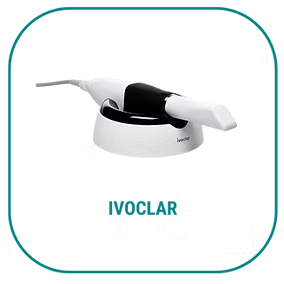
IVOCLAR
1- Open your Vivascan software 2- After completing your scan you will have the option of saving or sending 3- Click on the send a scan and in “Lab Info” enter Prime Dental Lab email address: info@primedentallab.com, and phone number +1 877 877 1080
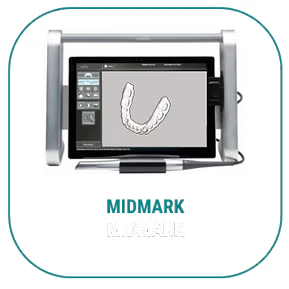
MIDMARK
On April 1, 2019, 3M announced that it sold assets related to its 3M™ True Definition Intraoral Scanner platform to Midmark Corporation. 1- Call Midmark at 844-856-1231 and request to add Prime Dental Lab to your “Favorite Labs” list. 2- Sign in to your account at https://casemanager.3m.com and select Prime Dental Lab on the 3M lab list. 3- Planmeca
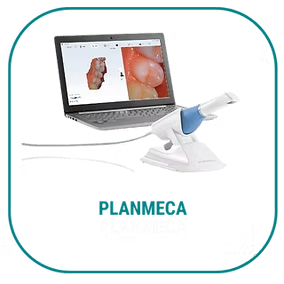
PLANMECA
1. Open your Planmeca Romexis software 2. Select a case and click “cloud export” 3. Select Prime Dental Lab by entering this email address: info@primedentallab.com 4. Include all necessary attachments 5. Click send
STRAUMANN
1- Call Straumann at 1-833-873-2838 2- Select option 1, and ask them to add Prime Dental Lab to your Cares Connect account. 3- Our email address is info@primedentallab.com Send Your Scan: We will receive the scan and begin processing your case.